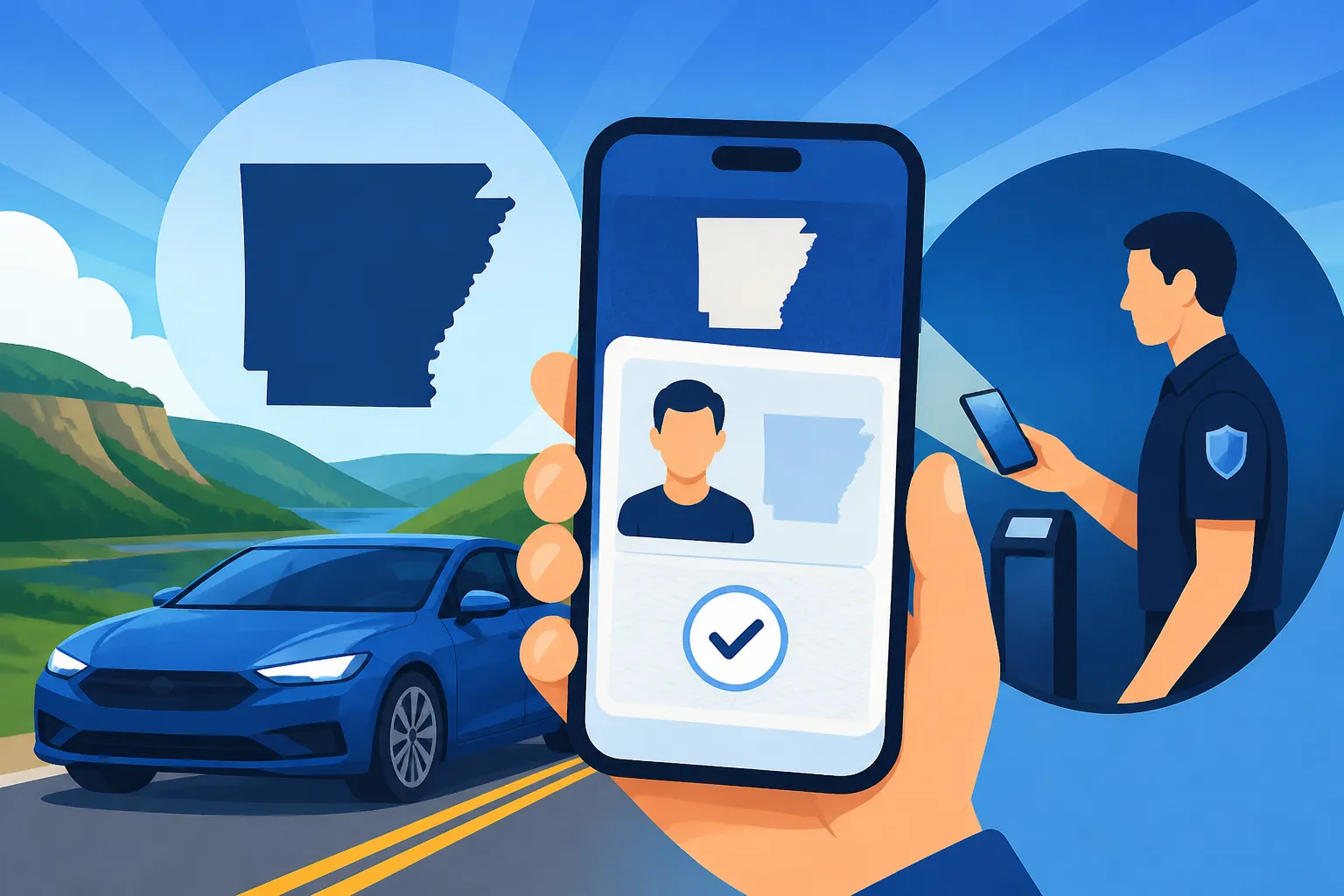
Arkansas Mobile ID: How to Set It Up and Where It Works
Arkansas Mobile ID can make identity checks more convenient, but it does not replace every use of a physical card. The practical questions are how to get it onto a supported phone, where it may be accepted, and what to keep carrying. Here’s how to approach setup, understand its limits, and avoid relying on it where a plastic ID is still needed.
What Arkansas Mobile ID is and what it does
Arkansas Mobile ID puts a digital credential on a smartphone for residents who have an eligible Arkansas driver’s license or state ID. According to the Arkansas Department of Finance and Administration, Arkansas Mobile ID provides residents with a secure digital version of their state-issued driver’s license or ID on a smartphone. It is intended to give you another way to present your credential—not to make your physical card unnecessary.
The mobile credential is associated with your state-issued license or ID. That distinction matters: it is not a separate license, a new class of driving privilege, or a replacement for keeping your card current. If you are unsure whether your underlying license is valid, deal with that status directly through the official agency. A digital display cannot turn an expired or otherwise invalid credential into a current one. For the broader license process, see Arkansas Driver’s Licenses: Getting, Renewing and Replacing Yours.
A mobile ID may be useful when a participating business or checkpoint can review it, or when you want a digital credential available on your phone. But acceptance depends on the place and the type of check. Having the ID in a wallet app does not mean every store, business, government office, or law-enforcement interaction will accept it.
It is also important to separate the credential from your phone. A phone can run out of battery, be left behind, break, or be unavailable during a check. Arkansas law requires customers to continue carrying their physical ID at all times, according to the Arkansas Department of Finance and Administration. Treat Mobile ID as a convenient additional option, not a reason to leave your plastic card at home.
Check eligibility and prepare before setup
According to the Arkansas Department of Finance and Administration, citizens with an unexpired Arkansas driver’s license or state ID are eligible to download the Arkansas Mobile ID for free. The starting point is therefore a current Arkansas credential. If your card is expired, lost, or needs an update, check what you need to do with the official agency before depending on Mobile ID. The steps for a replacement card are covered in Lost or Stolen Arkansas License: Getting a Duplicate Card.
Before you begin, check that your phone and wallet app match the supported options. The Arkansas Department of Finance and Administration says Arkansas Mobile ID is supported in Apple Wallet on iPhone, Samsung Wallet on Samsung, and Google Wallet on Android. The wallet you use depends on your device, so do not assume that an app or phone model outside those options will work.
A little preparation can prevent confusion:
- Confirm that your Arkansas license or ID is unexpired.
- Identify which supported wallet applies to your phone.
- Make sure you can access your device and the relevant wallet app.
- Follow current setup instructions provided through official Arkansas channels.
- Keep your physical card with you even after the digital credential is ready.
The agency’s current instructions are the place to confirm any device-specific requirements or changes to the setup process. The available facts establish supported wallets and eligibility, but not a universal sequence of screens or prompts. For that reason, avoid relying on old instructions from a different phone, wallet version, or setup attempt.
If you have a state ID rather than a driver’s license, the mobile credential can still be relevant: the Arkansas Department of Finance and Administration describes Mobile ID as a digital version of a state-issued driver’s license or ID. You can read more about the underlying card in Arkansas State ID Cards: A Guide for Residents Who Don’t Drive.
Set it up in the wallet supported by your phone
The key setup decision is choosing the wallet that matches your device. The state supports Apple Wallet on iPhone, Samsung Wallet on Samsung, and Google Wallet on Android, according to the Arkansas Department of Finance and Administration. Use the wallet intended for your device and follow the current official directions for adding Arkansas Mobile ID.
A straightforward way to think about the process is:
- Check that your Arkansas driver’s license or state ID is unexpired.
- Confirm which supported wallet applies to your phone.
- Open the official instructions for adding Arkansas Mobile ID and follow the prompts shown for your device.
- Complete the verification and addition steps presented during setup.
- Confirm that the credential is available in the wallet before you plan to use it.
- Keep carrying your physical ID.
This is a planning outline rather than a promise about exact screen names or a fixed sequence. Wallet interfaces can vary by device and change over time. If the option is missing, an instruction does not match your screen, or verification does not complete, stop and check the current official guidance rather than trying unrelated apps or guessing at a workaround.
When setup is complete, check that you can open the mobile credential without confusion. You do not need to test it by presenting it at a place that may not accept it. Instead, familiarize yourself with where the wallet stores the ID and how to bring it up when asked. Keep the phone protected and charged, and remember that a digital credential is only useful when you can access the device.
For a more device-focused walkthrough, see Adding an Arkansas Mobile ID to Apple, Google or Samsung Wallet. If the credential does not appear or the wallet does not accept the setup, use the agency’s current help information. Do not share sensitive identity information with an unverified party claiming it can activate the credential for you.
Where Mobile ID may be accepted
The clearest stated use is at airport security. According to the Arkansas Department of Finance and Administration, Arkansas Mobile ID can be used as a valid TSA credential at more than 260 airports across the country. The department also says it is accepted by TSA at over 263 U.S. airports. That does not mean every airport checkpoint or every travel situation will handle a digital ID the same way, so check the current TSA and airport instructions before travel.
A useful distinction is between “may be used” and “will be accepted in every situation.” Airport procedures can depend on the checkpoint, available equipment, and the credential options offered at the time. Bring the physical ID and any other travel documents that apply to your trip. If you plan to rely on Mobile ID at screening, verify the current instructions before leaving, rather than assuming that support at many airports guarantees a particular experience at your checkpoint.
Acceptance outside airport screening is more variable. A retailer or another organization may have a process for reviewing the digital credential, but the fact that your ID is available in a wallet does not establish that every business accepts it. If the ID is needed for a specific transaction, ask the business what it accepts before you arrive. For retail checks, see Showing a Mobile ID at a Store: How Arkansas Retailers Confirm It.
| Situation | What to expect | Practical approach |
|---|---|---|
| Airport screening | TSA accepts Arkansas Mobile ID at many airports, according to the Arkansas Department of Finance and Administration | Confirm current instructions for your airport and carry your physical ID |
| Retail or age-related check | Acceptance can depend on the retailer’s process | Ask the business before relying on Mobile ID |
| Law-enforcement interaction | The credential may be reviewable, but it does not remove the physical-card requirement | Keep your physical ID with you |
| Phone unavailable | You may not be able to show the digital credential | Use the physical card |
| License or ID needs renewal or replacement | The mobile credential is tied to the state-issued credential | Resolve the underlying card issue with the official agency |
For more detail on airport use, read Will TSA Take an Arkansas Mobile ID at the Airport?. The practical rule is to treat a supported use as an option, not a guarantee that every person or location must accept the phone display.
Internet access, updates, and privacy considerations
A common concern is whether Mobile ID stops working when a phone is offline. According to the Arkansas Department of Finance and Administration, Arkansas Mobile ID can be accessed without needing an internet connection. The department also says retailers and law enforcement do not need an internet connection to review and confirm Arkansas Mobile ID data.
That offline capability can help when a connection is unavailable, but it does not solve every phone problem. A dead battery, damaged device, locked-out wallet, or phone left at home can still prevent you from presenting the credential. Offline access is about not needing a network connection; it is not a substitute for a working phone or a physical card.
The department says changes made to a driver’s license or ID card are updated to the Mobile ID in real time. That is useful when the underlying state record changes, but it is still sensible to check the mobile credential after an update. If something looks wrong, do not assume that a display issue means the state record is wrong—or that a record change has been completed just because you expected it. Confirm the underlying transaction through the official agency and follow its instructions.
Digital presentation can also feel different from handing over a plastic card. Before using Mobile ID, understand the wallet’s on-screen process and what information is presented during a review. Do not hand your unlocked phone to someone unless you are comfortable with that interaction. Follow the wallet and agency prompts, and avoid showing screenshots as a substitute for the credential. A screenshot may not provide the verification method expected by the person checking the ID.
For a closer look at data handling, see Arkansas Mobile ID Privacy and Security: Who Sees Your Information. For the offline question specifically, see Does Arkansas Mobile ID Work Without an Internet Connection?. These details matter most when deciding whether the digital option is suitable for a particular interaction, not just whether it appears in your wallet.
Why you still need the physical card
The most important limitation is explicit: according to the Arkansas Department of Finance and Administration, Arkansas law requires customers to continue carrying their physical ID at all times. That means adding Mobile ID does not remove the obligation to carry the card. Keep the plastic credential with you even if you expect to use your phone for an airport or business check.
There are practical reasons for this rule. Your phone may be unavailable, the person checking your ID may not accept a digital credential, or the situation may require a physical document. You may also encounter a device issue at the moment you need to prove your identity. A physical card gives you a backup that does not depend on opening a wallet app.
The distinction between carrying the card and choosing which credential to show is helpful. You may be able to present the mobile ID in a supported setting, but you should not interpret that option as permission to travel without the plastic card. If you are stopped or asked to identify yourself, follow the instructions given and use the credential accepted in that situation.
Mobile ID also does not replace the work involved in renewing, replacing, or correcting the underlying license or state ID. If your card is approaching expiration or you have a change to make, handle the underlying agency process. The digital version reflects the state-issued credential; it is not a separate route around renewal requirements. For renewal planning, see Renewing an Arkansas Driver’s License: How the Process Works.
The best way to think about Mobile ID is as a second way to present identity when appropriate. Keep the phone credential available, but continue carrying the physical card and check acceptance before relying on the digital one. For the legal and practical distinction, see Still Carrying the Plastic Card? Arkansas Mobile ID and the Law.
Cost, troubleshooting, and when to ask for help
According to the Arkansas Department of Finance and Administration, Arkansas Mobile ID is provided to residents at no cost as of November 2026. The department also says eligible citizens with an unexpired Arkansas driver’s license or state ID can download it for free. If you see a charge associated with a download or setup offer, pause and verify that you are following the official process. Do not assume an unrelated app or service is necessary.
If the option does not appear in the wallet, first check the basics: whether your Arkansas credential is unexpired, whether you chose the supported wallet for your device, and whether you are following current official instructions. If those checks do not resolve the issue, use the official agency’s help channels. Avoid repeatedly submitting identity details through unfamiliar services.
If the wallet shows a problem after your license or ID changes, confirm that the underlying transaction has been processed and review the official instructions for updating the mobile credential. The Arkansas Department of Finance and Administration says changes made to the state-issued card are updated to the Mobile ID in real time. Still, if the displayed information does not match what you expect, verify the status rather than assuming which record or display is at fault.
If you lose your phone, treat that as a device-security problem as well as an inconvenience. Use the security tools available for your device and wallet, then follow current agency instructions if you believe your mobile credential needs attention. Keep your physical card in a separate, secure place so that losing access to the phone does not leave you without a credential.
For a fee-focused explanation, see Is the Arkansas Mobile ID Really Free to Download?. For changes to the underlying record and the digital credential, see Real-Time Updates: Keeping a Digital License Current After a Change. If the plastic card itself is missing or damaged, use the appropriate replacement process rather than treating Mobile ID as a permanent substitute.
Frequently Asked Questions
Does Arkansas Mobile ID replace my physical license or ID?
No. According to the Arkansas Department of Finance and Administration, Arkansas law requires customers to continue carrying their physical ID at all times. Mobile ID is an additional way to present a credential where accepted.
Can I use Arkansas Mobile ID without an internet connection?
Yes. The Arkansas Department of Finance and Administration says Arkansas Mobile ID can be accessed without needing an internet connection, and that retailers and law enforcement do not need an internet connection to review and confirm its data.
Which phone wallets support Arkansas Mobile ID?
The Arkansas Department of Finance and Administration says it is supported in Apple Wallet on iPhone, Samsung Wallet on Samsung, and Google Wallet on Android. Follow current official setup instructions for your device.
Is Arkansas Mobile ID accepted at airport security?
The Arkansas Department of Finance and Administration says it can be used as a valid TSA credential at more than 260 airports across the country. Confirm current instructions for your airport and carry your physical ID as required.
Who can download Arkansas Mobile ID?
According to the Arkansas Department of Finance and Administration, citizens with an unexpired Arkansas driver’s license or state ID are eligible to download it. Check official instructions if your credential is expired or you are unsure about eligibility.
Sources
- Arkansas.gov — I am Moving to Arkansas – Arkansas.gov (checked November 12, 2026)
- Arkansas Department of Finance and Administration — MyDMV – Arkansas Department of Finance and Administration (checked November 12, 2026)
- Arkansas Department of Finance and Administration — Mobile ID – Arkansas Department of Finance and Administration (checked November 12, 2026)
Disclaimer
This article is for general informational purposes only and does not constitute professional advice. Laws, prices and regulations vary by location and change over time. Consult a qualified professional for guidance on your specific situation. Arkansas Driver Guide is not a government agency and is not affiliated with any state motor vehicle department.